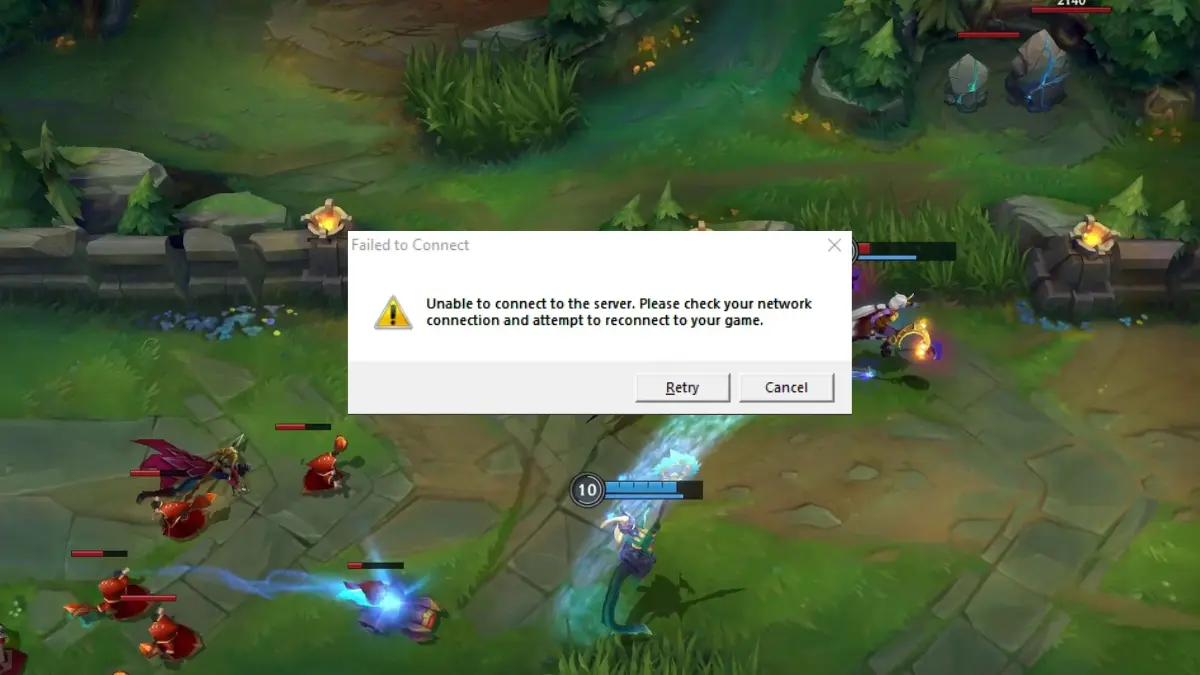
League of Legends players found themselves locked out of the game client in a widespread outage linked to an expired security certificate.
Riot Games reportedly forgot to renew the certificate used by the League of Legends client before it expired. The login failures prevented players from accessing the game and disrupted normal client functions like entering lobbies.
Multiple players discovered a workaround that revealed the root cause. Changing their computer’s system date to the previous day suddenly allowed them to log in again. This “time travel” trick is a classic sign of certificate expiration problems.
Modern game clients use TLS certificates to establish secure connections to login servers. These certificates contain validity dates and expire after a set period. When a certificate expires, the client refuses to connect because it can’t verify the server’s identity.
The League of Legends client couldn’t complete authentication because its system clock showed the current date was past the certificate’s expiration. Rolling back the date placed the system within the certificate’s validity window, allowing the connection to succeed.
Overlapping certificate sets could prevent these failures. Industry best practice involves automated certificate monitoring with escalating alerts at 30, 15, seven, and one day before expiration.

